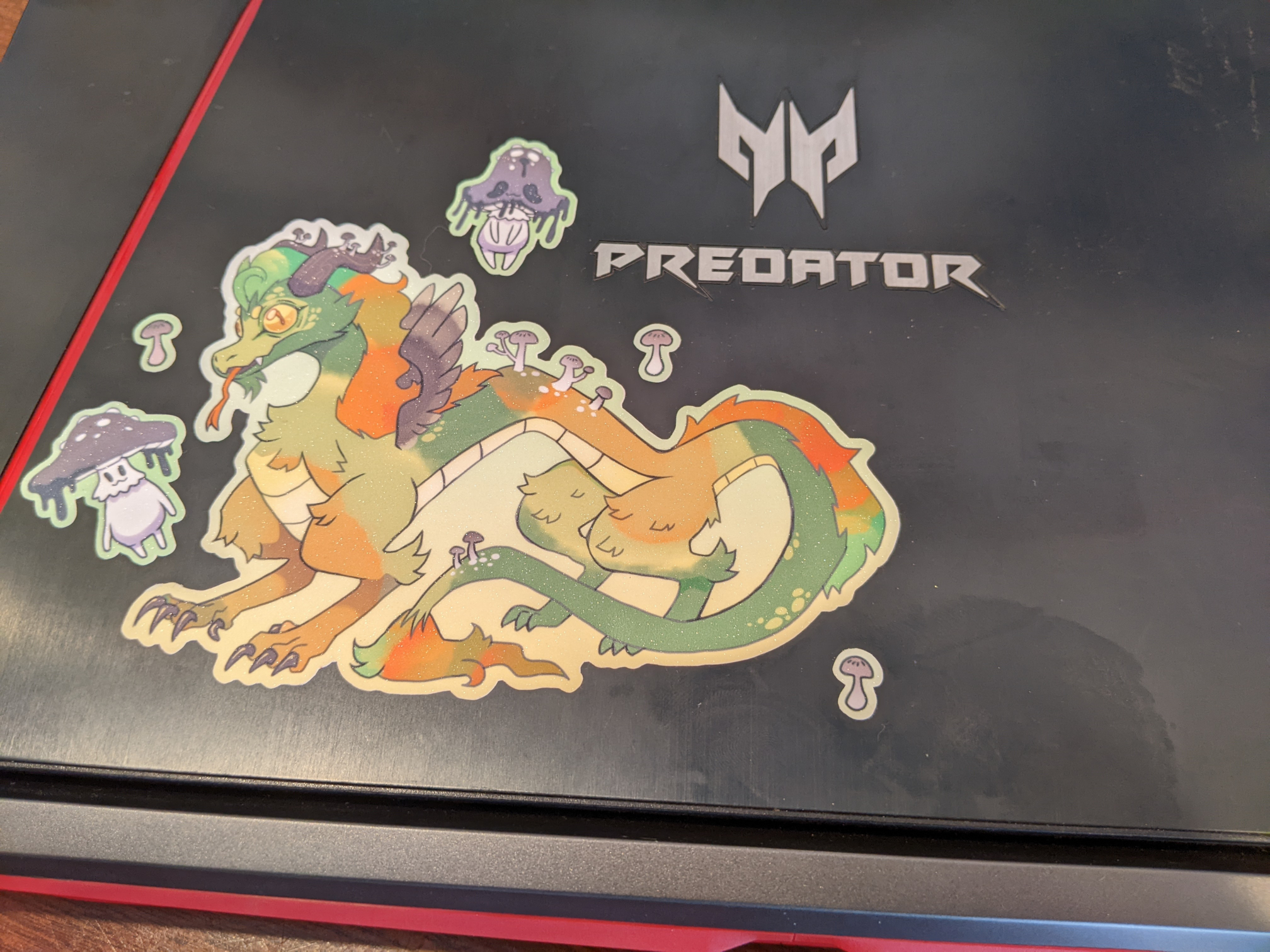
Bazzite for an older gaming laptop
This post was largely written on the Nexus 7 tablet that I set up with PostmarketOS!
Recently I was chatting with a local artist and educator buddy about video games, and it became clear that this friend did not currently have a proper PC for their computing needs. They had been using an iPad for web browsing and so forth, but didn't have a proper computer for gaming!
And it occurred to me, I had a spare laptop that they could use. Some years ago I wanted a gaming laptop so that I could play fighting games while traveling. Fry's was a going concern at the time, and I popped in and found this Acer laptop (the Acer Predator Helios 300!) with Windows 10 and an NVidia 1060 mobile graphics card, which was better than the recommended specs for running Tekken 7, my main game at the time. Not bad! It served me well for a while. I "upgraded” it to Windows 11 and then later got a beefier gaming desktop PC where I run Linux anyway, and then mostly didn't use the laptop...
But! Perfect for my artist friend, right? I offered it up, and they accepted!
I thought about whole situation with modern Windows and how much effort it requires to keep it from, eg, showing you ads in the start menu and re-enabling Copilot and Microsoft Edge (have you seen the default Windows installation recently?); I thought it might be better to put a streamlined Linux on the machine. We've had pretty good experiences with Bazzite at our house, so I went with that. The laptop came with two drives; a smaller NVMe SSD stick for the OS and important applications, and a slower 1TB spinning disk.
And then the NVMe stick in the device failed! My artist friend gave the laptop back to me, and I thought, OK, we lived with spinning disks for decades; how bad could it be to run Bazzite off of the spinning disk? I removed the NVMe stick (this was kind of involved; I should have taken pictures) and then reinstalled Bazzite onto the HDD.
It was pretty slow. My friend seemed willing to put up with a slow computer for a while, but eventually they had another glitch – somehow the machine's settings forgot that we had disabled Secure Boot, which stopped Bazzite from booting, and they sensibly thought the computer was Just Broken!
So I took this opportunity to take out the spinning disk and install an SSD; thankfully there was a pretty good deal on laptop form-factor SSDs at our local Best Buy, so my plan was to save the existing Bazzite installation and copy it onto a new 1TB drive. The computer would then just have one hard drive, a fast SSD, with no PCIe stick and no spinning disk.
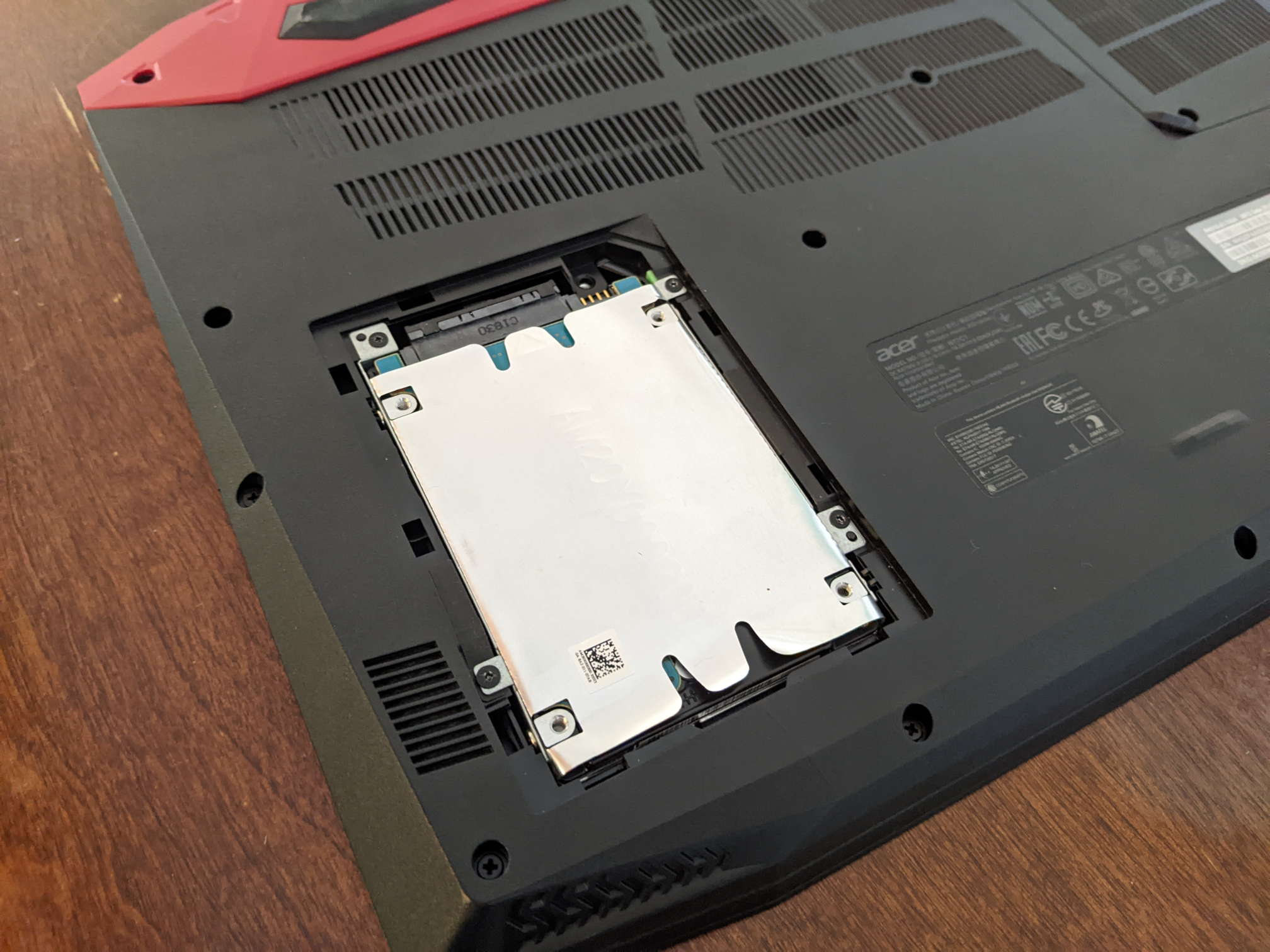
Installing the new hard drive was pretty straightforward! Just unscrewed the bottom panel and popped it in with the SATA connector.
Then I got Clonezilla, which is a tool for imaging and cloning disks; it has a nice bootable image that you can use to copy an existing Linux installation to a new disk. Very straightforward to use. I downloaded the bootable image and put it on my USB thumb drive that already had Ventoy on it. I highly recommend Ventoy by the way – it lets you load multiple bootable ISO images on the same USB disk. Any time I want to add another bootable ISO to the thumb drive, I just copy that ISO into the Ventoy filesystem on the USB thumb drive and I can boot from the thumb drive and pick which ISO to boot from the menu. Ventoy is a delight.
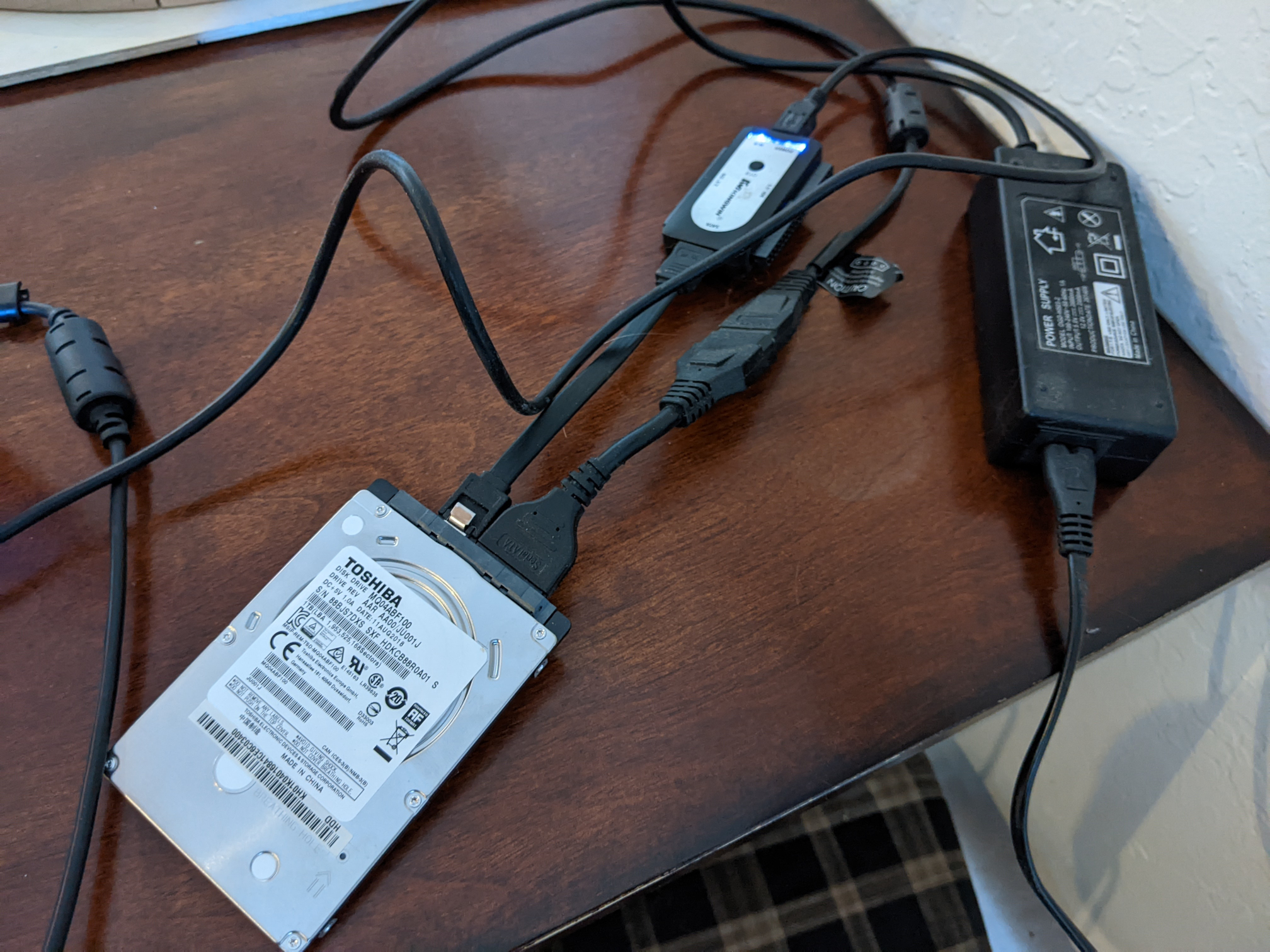
At this point, I connected the old spinning disk to the laptop with a USB adapter (my trusty Kingwin EZ-CONNECT USI-2535), and then booted to Clonezilla to do the copying.
Clonezilla turns out to be pretty delightful too! Really straightforward to use.
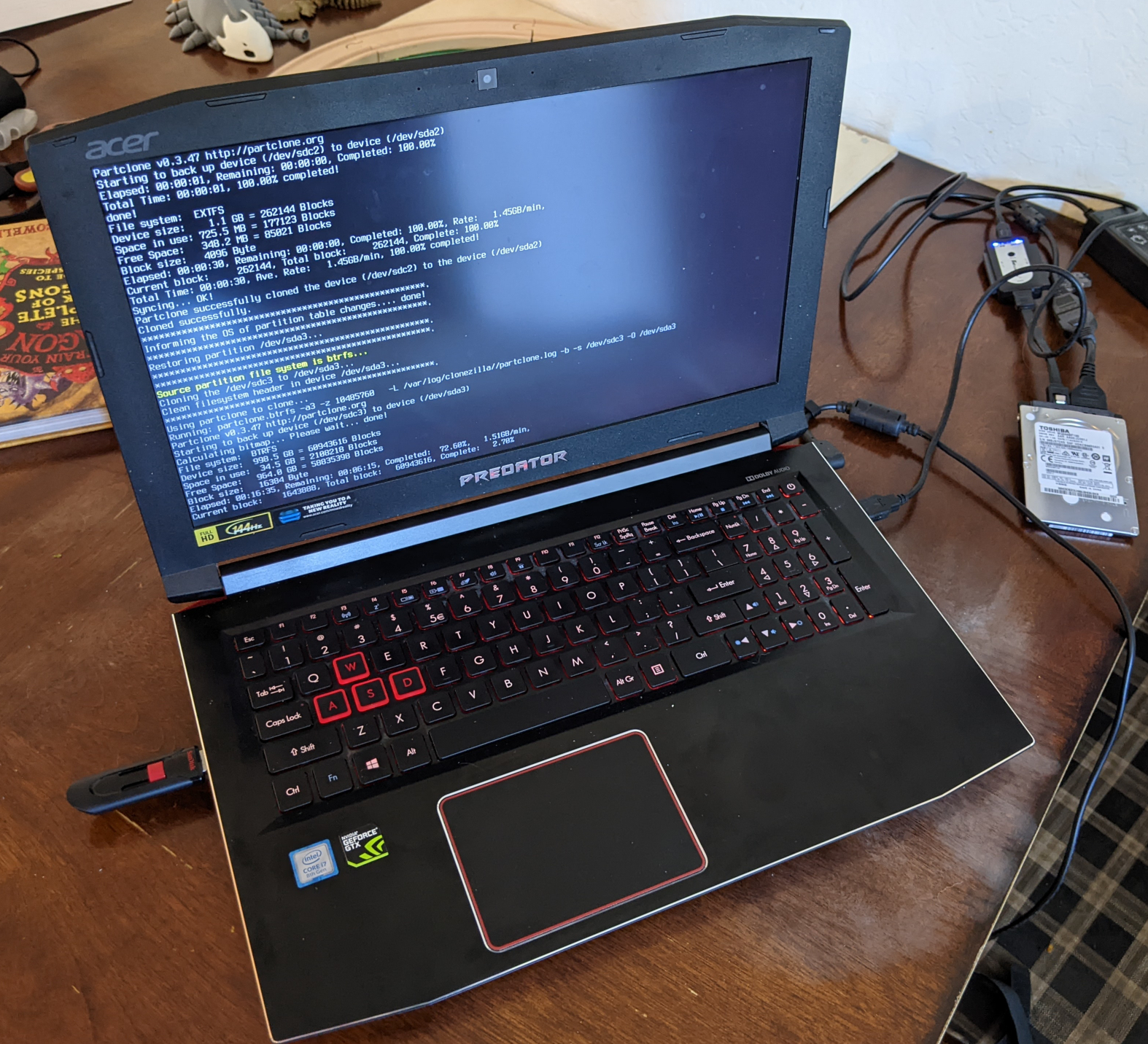
Once the Linux installation was copied over to the new disk from the old spinning disk, I did a little bit of tweaking with fdisk to make sure that the bazzite filesystem filled up the whole hard drive (the "1TB” drive I bought was just slightly larger than the "1TB” spinning disk; convenient that it wasn't smaller!), and then we were almost done.
After that, I just added Privacy Badger and uBlock Origin to the Firefox on the computer and wrote a note for my friend for how to turn off Secure Boot again in the system settings if that problem comes up in the future. (I have just now found out that Bazzite supports Secure Boot if you set it up correctly; we may enable this later)
And with that, a local artist & art teacher has a computer for Steam gaming, and a slightly old computer is getting used more than it would otherwise. Thankfully we were able to get this one in working condition; I mean, it already had their Steam account and stickers on it.